Automatic Two-Way Synchronization
Real-time updates in both directions between desktop and cloud
Features
Governed Sites for external sharing, permissions, notifications, AI, and evidence
Share approved documents with external stakeholders using role-based permissions, real-time notifications, document protection, analytics, and records that stay with the Site.
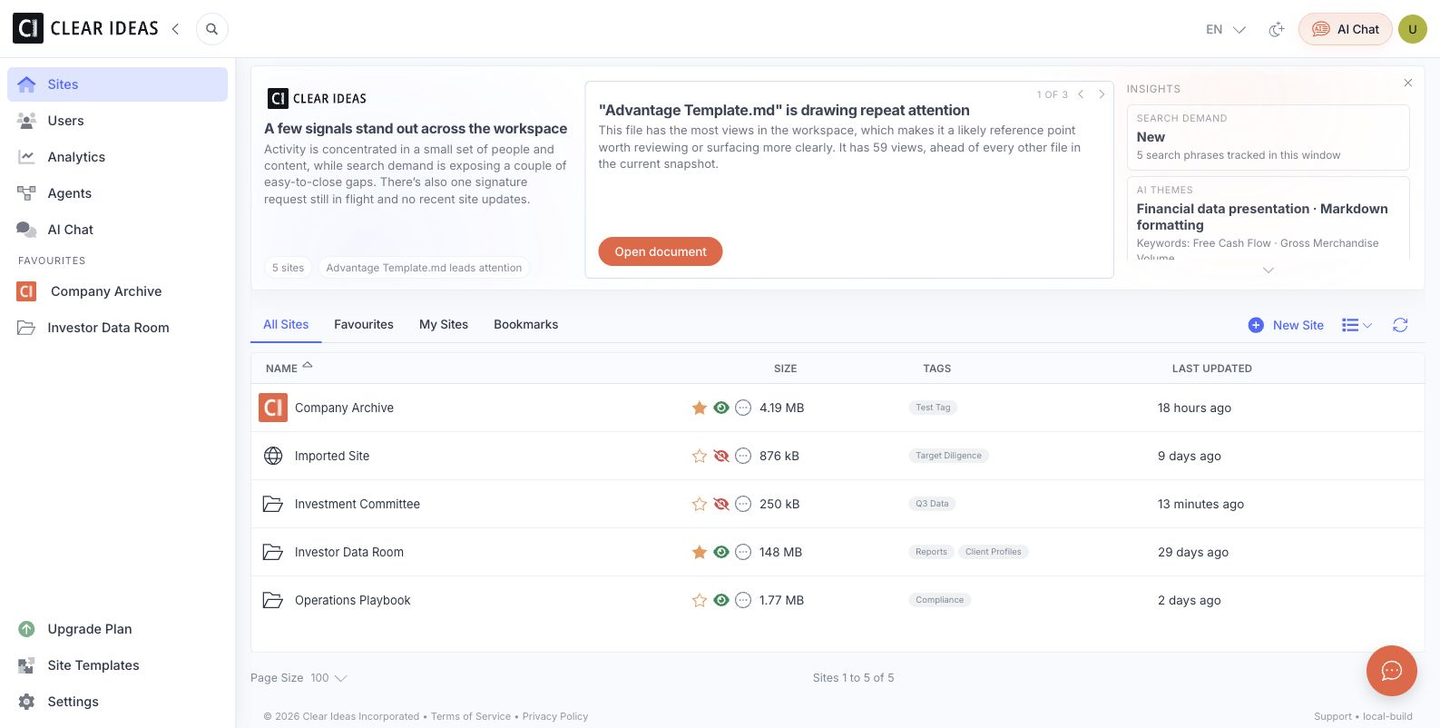
External collaboration features for document sharing, security, analytics, and stakeholder engagement.
See how Clear Ideas supports secure collaboration, governed AI, and agent runs across common industry use cases.
Explore tools and guides for collaboration, governed AI, and agent runs in Clear Ideas.
Create a site, upload your documents, and invite external users via email. Set their role (Viewer, Downloader, Uploader, Editor, or Admin) to control what they can access and do. External users receive an invitation link and can access documents immediately through their browser without downloading software.
Clear Ideas supports all major file types including PDFs, Microsoft Office documents (Word, Excel, PowerPoint), images (JPG, PNG, GIF), videos (MP4, AVI, MOV), audio files, ZIP archives, and more. Scanned documents and images are automatically processed with text extraction to make them fully searchable.
Yes, Clear Ideas provides six distinct user roles with different capabilities. Viewers can only read documents in-app without downloading, Downloaders can view and save files offline, Uploaders can contribute new content, Editors can modify and organize content, and Admins have full control. This granular control ensures you can share sensitive information while maintaining security.
Dynamic watermarks automatically include viewer-specific information (user name, email, date, time) on PDFs to deter unauthorized sharing and enable precise tracking if documents leak. Watermarks are unique to each user and viewing session, making every document traceable back to its viewer. You can configure watermark visibility by role—for example, exempting site admins while ensuring external stakeholders receive watermarked versions.
Configure real-time notifications for document uploads, downloads, views, user registrations, permission changes, and security events. Choose notification timing (immediate, daily digest, weekly summary), delivery method (email, in-app), and event types. Smart filtering ensures you receive only the relevant notifications for your role without alert overload.
Assign users to one of six preset roles (Admin, Editor, Uploader, Downloader, Viewer, Disabled) with specific permissions tailored to their needs. Create user groups to manage permissions for multiple users with role-based access control and group inheritance. Permission changes are logged in audit trails for compliance and security monitoring.
Yes, user groups allow you to assign permissions to multiple users at once. Create groups for different stakeholder types (investors, board members, clients, auditors) and apply consistent access controls across all group members. When you add or remove users from a group, their permissions update automatically.
Clear Ideas supports large file uploads with generous size limits suitable for most business needs. Clear Ideas handles multi-GB files including videos, large datasets, and due diligence packages. For very large transfers, the Clear Ideas Sync desktop application provides optimized upload performance with automatic resumption if interrupted.
Documents are stored securely for as long as your subscription remains active. All content is encrypted at rest and in transit. When you cancel your subscription, you have a grace period to export your data before it is permanently deleted. Enterprise plans include extended retention policies and backup options to meet regulatory requirements.
Yes, users assigned the Uploader, Editor, or Admin role can contribute new documents and files. This is perfect for due diligence scenarios where external parties need to submit materials, board members uploading meeting materials, or clients sharing deliverables. All uploads are logged in audit trails showing who uploaded what and when.
Change a user's role to "Disabled" to immediately revoke all access while preserving their account and activity history for auditing purposes. When needed, you can reactivate the account without losing historical context. For permanent removal, delete the user account entirely, which removes their access but retains audit logs showing their past activities.
Set expiration dates on user accounts for temporary access scenarios like M&A due diligence, board terms, or contractor engagements. When access expires, the user is automatically disabled and cannot log in. Site administrators receive notifications before and after expiration. You can extend access or reactivate accounts at any time with full audit trail tracking.